
Prime Day is one of the highest-traffic events of the Amazon year and a pivotal opportunity for both sellers and vendors to amplify sales and brand visibility. This guide brings together everything you need to prepare: when to start, how to choose deals and ASINs, how to build your advertising strategy, how to budget, and how to make sure your product detail pages are retail-ready.
1. Is Prime Day relevant for me?
Prime Day is relevant for both sellers and vendors. It is a platform for increased sales, visibility, and exposure to millions of potential customers. With sufficient inventory, compelling discounts, and a well-executed marketing strategy, you can capitalise on heightened consumer interest and maximise returns during this high-profile event.
2. When should I start preparing?
Start 4–6 weeks before the event. This lead time allows for inventory management, advertising setup, and deal creation:
-
Assess your inventory levels and forecast demand to ensure sufficient stock availability.
-
Develop a targeted advertising strategy using Amazon Sponsored Products and other ad formats to boost visibility.
-
Craft compelling deals and promotions aligned with your best-selling products, and optimise listings to highlight these offers.
Monitor performance metrics closely and adjust as needed. Starting early and staying proactive ensures a smooth, profitable event.
3. Which deals are relevant for me?
Choose deals that align with your products and audience. Offer discounts, lightning deals, bundles, or exclusive launches to appeal to different shopper preferences:
-
Discounts attract price-conscious buyers. A percentage off (e.g. 20%) is straightforward and appealing; a fixed amount off (e.g. €10) can be effective for higher-priced items.
-
Lightning deals create urgency and can drive significant traffic. Ensure your deal is competitive and well-timed.
-
Bundles of complementary products increase perceived value and order value.
-
Exclusive launches drive excitement and engagement.
-
Coupons make products more attractive — promote them in advance to build anticipation.
Before finalising, analyse inventory to highlight standout products with high conversion potential. Vendors should reach out to their vendor manager for guidance on deal selection. Remember to enrol specific Prime Day deals within the designated enrolment period.
4. Which ASINs should I use?
Assess ASINs based on performance metrics, relevance to Prime Day, and potential for high sales volume. Prioritise products with a history of strong demand, positive reviews, and competitive pricing. Consider exclusive deals or new product launches to create excitement.
Use the Analytics Hub to gain insights into past Prime Day performance and make data-driven decisions:
-
Analyse past advertising campaigns: ASIN-Level Performance in the 360 Sponsored Ads Report.
-
Analyse sales data on ASIN, category, or sub-category level: ASIN Focus / Product Performance (Vendor / Seller).
5. Sponsored Ads strategy for Prime Day
Define clear objectives and identify your target audience, then combine the ad formats strategically.
Start early
Analyse past performance data to identify top-performing products and keywords. Use this to refine campaigns and allocate budgets, building momentum leading up to the event.
Leverage Sponsored Products
Create targeted campaigns for your best-selling products and relevant keywords so they appear prominently in search results. Consider increasing budgets during the Prime Day period to capitalise on the surge in traffic and competition.
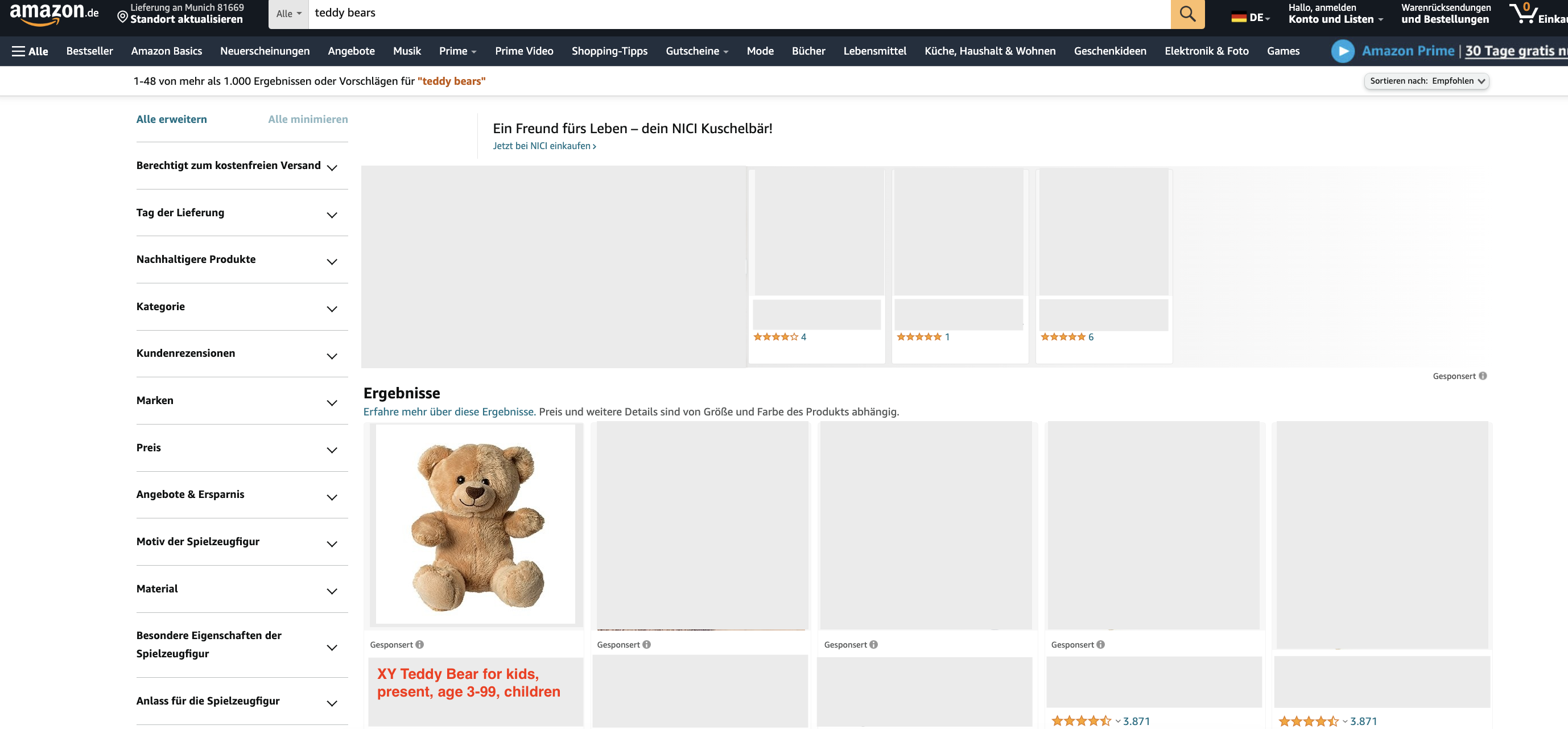
Utilize Sponsored Brands
Showcase your brand and multiple products in a single ad. Use compelling copy and high-quality imagery, and Prime Day-specific messaging to highlight special offers and exclusive deals. Drive traffic to dedicated Prime Day storefronts or landing pages for a seamless experience.
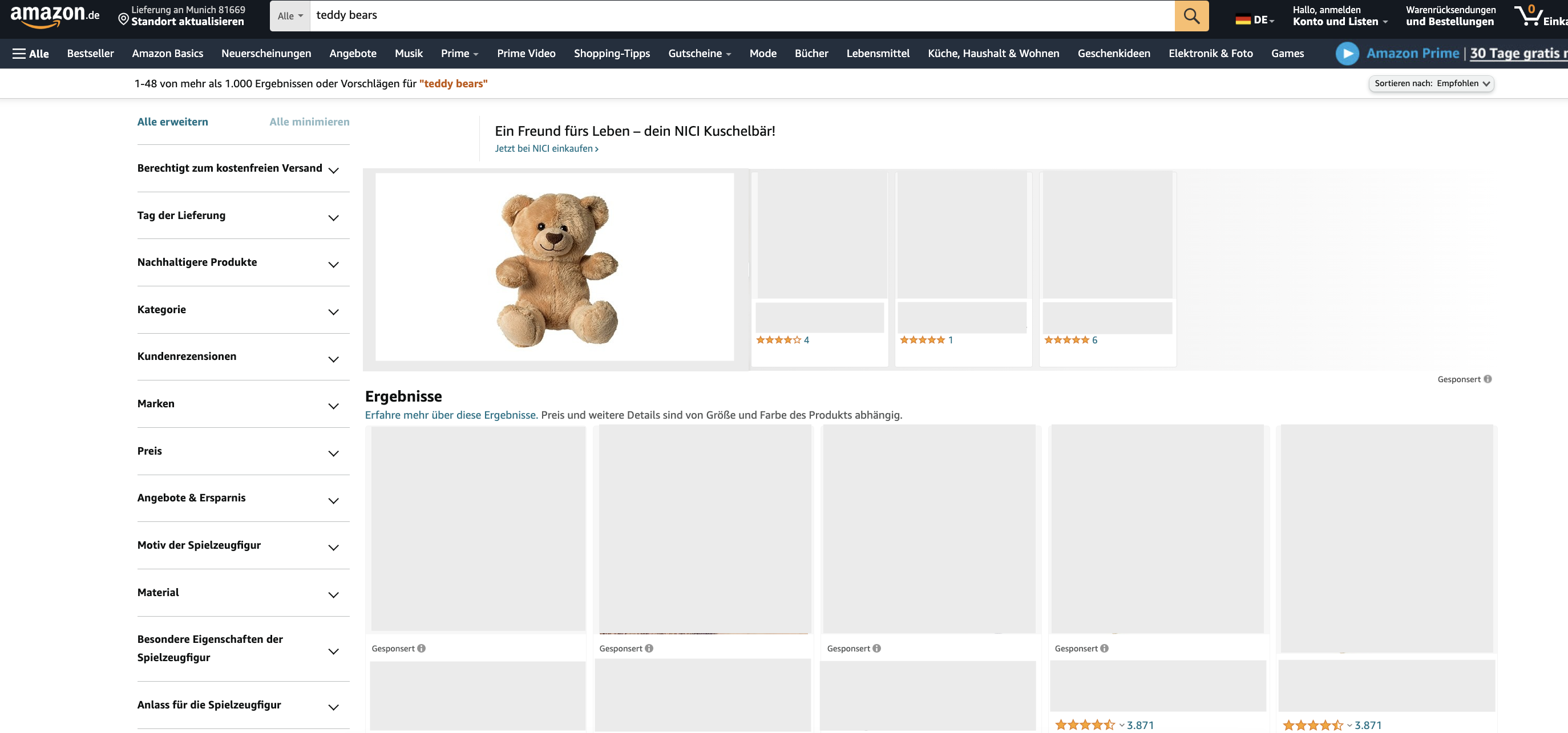
Implement Sponsored Display
Sponsored Display lets you target shoppers both on and off Amazon. Use it to retarget past visitors, reach new audiences, and drive sales. Leverage audience targeting (interests, behaviors, shopping preferences) to maximize relevance. Sponsored Display ads appear on the Amazon homepage and on product detail pages.
Monitor and adjust
Throughout Prime Day, monitor performance and adjust as needed. Analyze click-through rate (CTR), conversion rate, and return on ad spend (ROAS) to identify areas for improvement, and adjust keyword bids, creative, and targeting accordingly.
6. How much budget should I invest?
Determine your budget based on sales goals, inventory levels, and overall marketing strategy. Allocate enough to support your campaigns while ensuring a positive ROAS. Monitor ad spend closely and adjust as needed.
-
Assess sales goals based on historical performance and growth projections.
-
Evaluate inventory levels to ensure you can meet demand, adjusting budget accordingly.
-
Review your marketing strategy and allocate budget to initiatives aligned with Prime Day objectives.
For event-spanning ad-spend planning beyond Prime Day, see Planning Your Ad Spend for Peak Event Days.
7. Pricing strategy
Competitive and dynamic pricing
During Prime Day, prices fluctuate rapidly. A dynamic pricing strategy lets you stay competitive (adjust prices in real time) and maximise profits (raise prices during high demand while maintaining sales volume).
Monitor Buy Box & Price
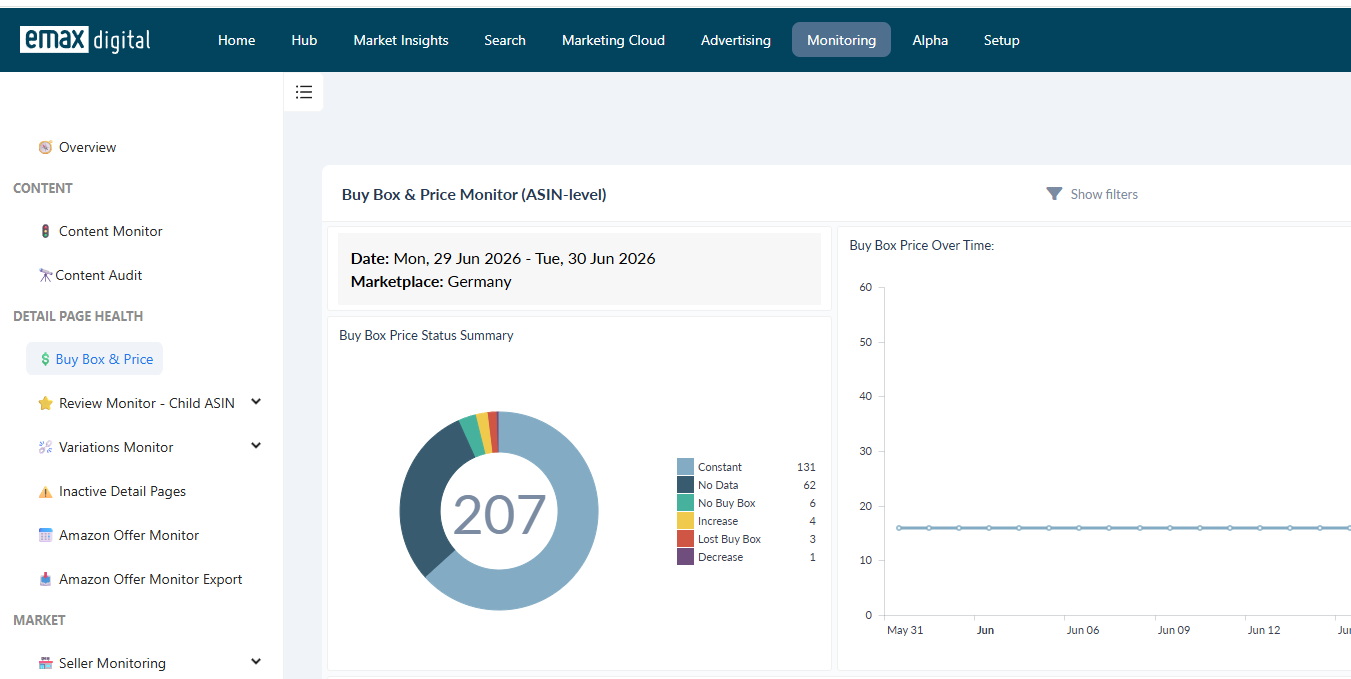
Constantly monitor sales, competitor prices, and market trends. Use the Buy Box & Price Monitor:
-
The Price and Buy Box alarm gives you a weekly update when the price of your products changes. Compare the current price with the recommended retail price (RRP), and see which seller newly entered the Buy Box due to a price change.
-
Download the chart to identify sellers most active in price dumping and the products most affected.
8. Retail readiness
Listing optimization
Ensure clear, keyword-rich product titles (within category-specific length guidelines), 5–8 compelling bullet points, at least 5 high-quality images (including lifestyle photos), and A+ Content to enhance visual appeal. Use the Portfolio Analyzer (Vendor / Seller) to find ASINs with a content alarm, then the Content Dashboard (Vendor / Seller) for what to optimise.
Inventory management
Ensure sufficient stock — running out during Prime Day harms rankings and sales. Sellers can use Fulfilment by Amazon (FBA) for faster delivery and Prime eligibility; vendors can use Born to Run to secure stock if Amazon has not ordered enough (check requirements and costs). Use the Inventory Dashboard in your Performance Hub to analyse and forecast stock levels.
Reviews and ratings
Maintain positive reviews and ratings — aim for at least a 4-star rating. Note that Amazon may not allow advertising for products with fewer than 15 reviews, so review generation is critical; consider Amazon's Vine programme for ASINs with few reviews. Use the Review Monitor to track reviews and ratings.
Related: Analysing ASIN-Level Sponsored Ads Performance · Evaluating and Optimising Your DSP Campaigns · Content Best Practices (§13 Reference).