
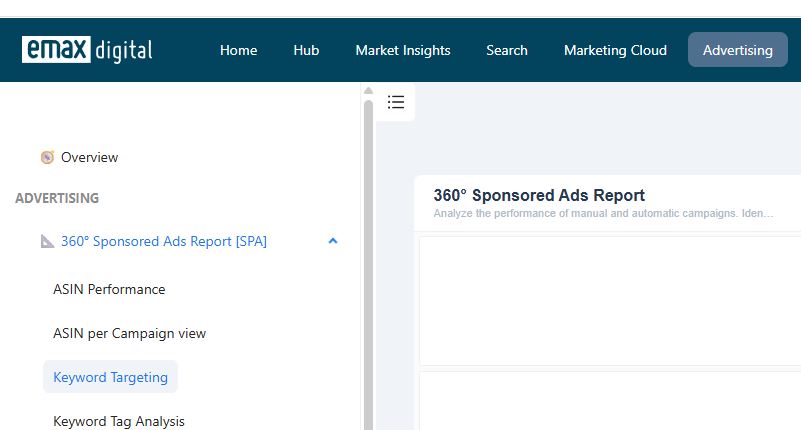
Dashboard location: Advertising → 360 Sponsored Ads Report → Keyword Targeting.
Product: Analytics Hub.
The Keyword Targeting view lets you analyse keyword performance across your Sponsored Ads campaigns using multiple KPIs (ROAS, impressions, clicks, sales, conversion rate, and more), so you can decide which keywords to scale, adjust, or exclude.
1. Accessing the Keyword Targeting view
-
Open the 360 Sponsored Ads Report from the Advertising section.
-
Select the Keyword Targeting dashboard.
-
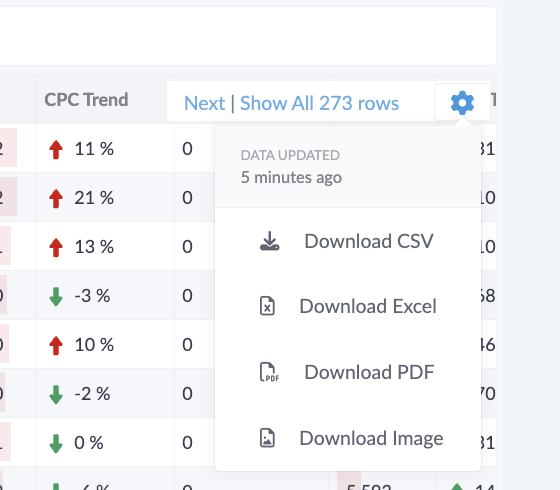
Choose a time frame and sort the table as you prefer. For deeper analysis, download the Excel export.
2. Applying filters
-
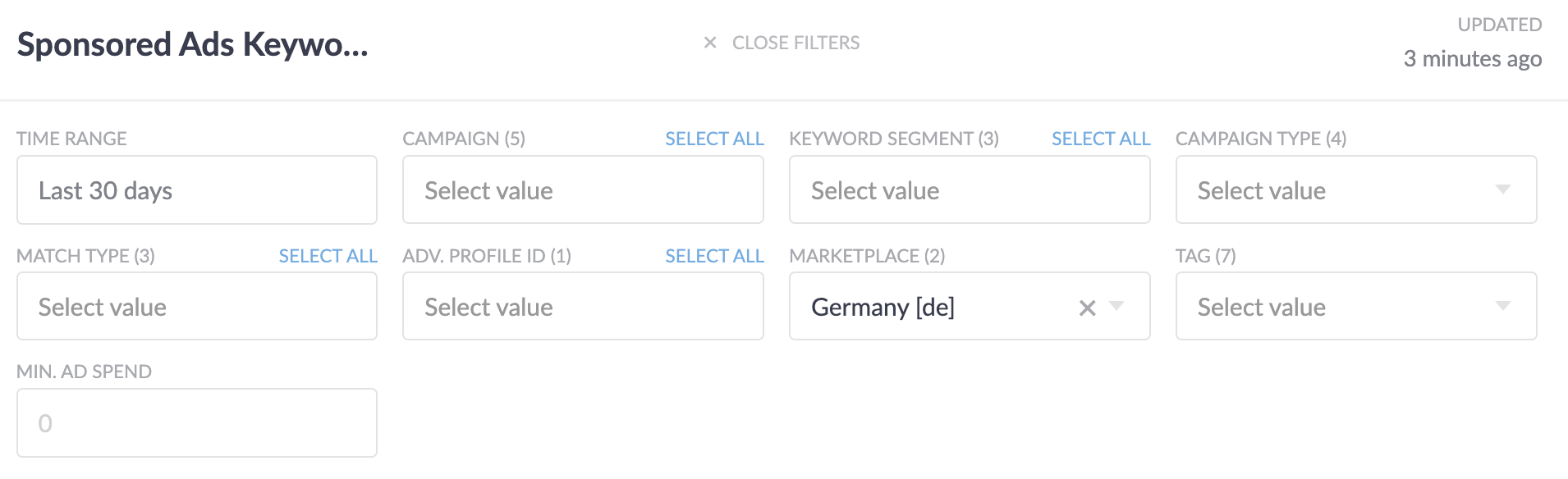
Campaign selection — focus on a single campaign, or leave the campaign filter open for an overall perspective. If you optimize at the campaign level, analyze at that level too.
-
Segment & match-type analysis — examine individual keyword segments to spot trends, and assess how different match types are performing.
Tip — Excel export. Download the Excel sheet for a deeper dive into keyword potential beyond the platform interface.
3. How to identify which keywords need optimizing
Two simple, widely used rules of thumb:
-
ROAS < 5 — keywords with a Return on Ad Spend below 5 have a relatively low return. Consider lowering bids on these low-performing keywords to conserve budget.
-
Conversion Rate < 1% — the conversion rate is the chance of a click leading to a sale. Keywords converting below 1% are candidates for optimization.
Setting benchmarks by goal
Align your adjustments with your overarching strategy:
-
Performance-focused campaigns — define a minimum ROAS benchmark; for example, consider excluding keywords with a ROAS below 7 and low sales to improve overall performance.
-
Impression-focused campaigns — aim to retain keywords driving at least 20% of impressions, and preferably prioritize keywords with a ROAS above 4 to balance reach and performance.
4. Iterative optimization
-
Refine campaign settings based on keyword performance and your benchmarks.
-
Adjust keyword bids to maximize ROI and ensure optimal budget allocation.
-
Identify negative keywords — exclude irrelevant or underperforming keywords to improve campaign efficiency.
Review keywords regularly — at least once a month, or whenever campaigns show signs of poor performance. For a more granular view, the campaign-level keyword overview lets you analyze how individual keywords contribute to each campaign's success.
Related: Analysing ASIN-Level Sponsored Ads Performance · 360 Sponsored Ads Report (SPA) · Keyword Tag Analysis (SPA) · Product and Category Targeting (SPA).