
Solutions to common issues you may encounter while using emax digital. This section is extended over time as support tickets reveal new patterns.
Performing a Hard Refresh
Many display and loading problems can be resolved with a browser hard refresh.
What Is a Hard Refresh?
A hard refresh is a browser function that forces your web browser to load the most recent version of a webpage by bypassing the local cache. Unlike a regular refresh, which may reload the page using stored data, a hard refresh ensures the browser retrieves fresh data from the server, reflecting any recent updates or changes.
How to Perform a Hard Refresh
The method varies depending on your browser and operating system.
When to Use a Hard Refresh
A hard refresh is particularly useful in the following scenarios:
-
Login not working: If you are having trouble logging in to emax digital, a hard refresh might help.
-
Tool not loading correctly: If the tool is not displaying correctly or some elements are missing, a hard refresh forces the browser to load the latest version, potentially resolving display issues.
-
Content not updating: If the tool has been updated (new articles, images, or design changes) but you still see the old version, a hard refresh helps you see the most up-to-date content.
-
Encountering error messages: A hard refresh can often resolve errors by loading the latest version of the page and eliminating problems caused by outdated or corrupted cached data.
-
New dashboards or permissions: When our team shares new dashboards or updates permissions, a hard refresh ensures you see the latest changes and can access the new functionality without glitches.
Downloading Product Detail Page Information as a Mac User
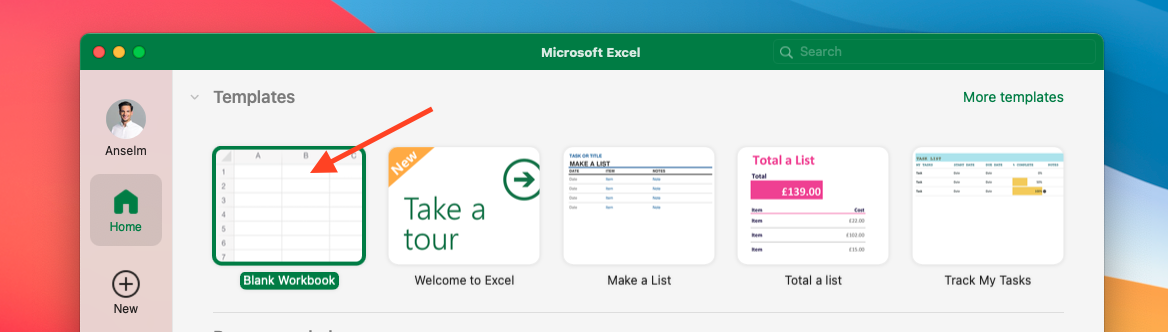
This is a guide for Mac users on how to download a CSV file with all the information about the product detail pages you track and convert it into an Excel file.
Select a time range and click on "Product Detail Page Data" to download a CSV file of the content changes on your product detail pages. Our system fetches the data of your product detail pages on a daily basis; we recommend selecting the most recent day.
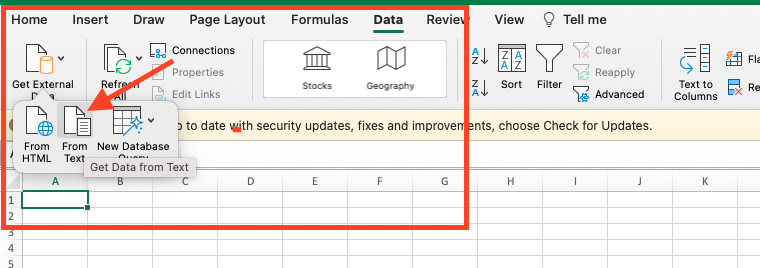
Navigate to "Data" → "Get External Data" → "From Text".
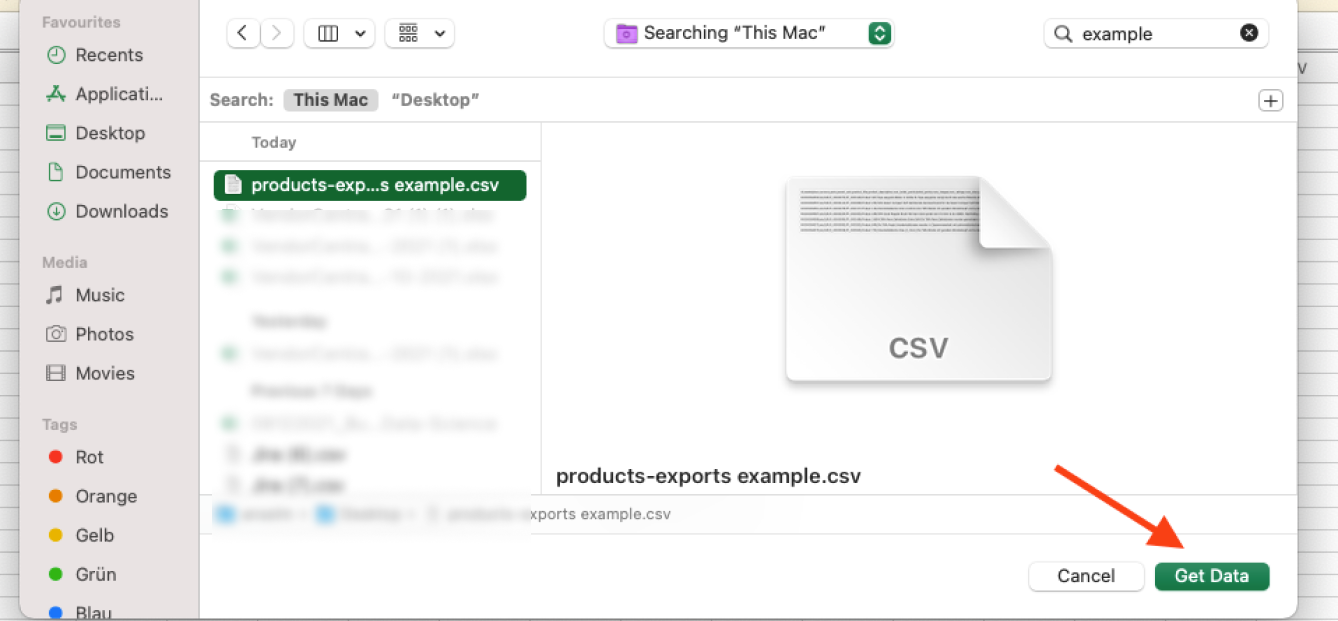
Choose the relevant CSV file and import the data by clicking the green button.
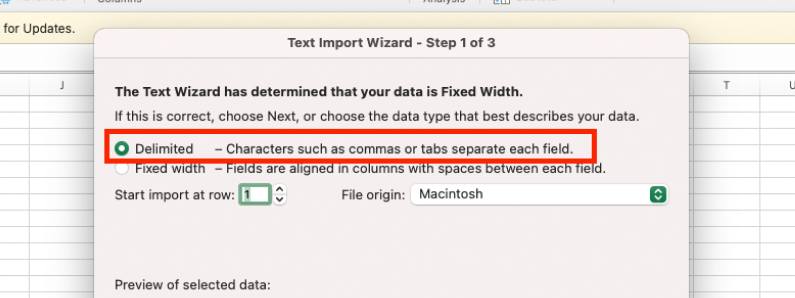
Select "Delimited" to separate each field.
Choose "Unicode (UTF-8)" as the file origin, and make sure to use semicolons instead of tabs. Click "Advanced…" to set up the full stop as the decimal separator and the comma as the thousands separator.
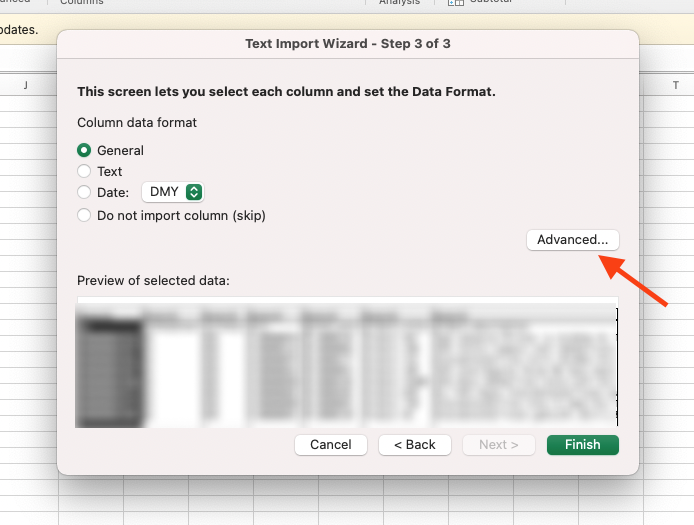
Click "Finish" to be redirected to your new XLSX file. Make sure to format the relevant columns as percentages.
Price and Sell-Out Data Missing in All Vendor Reports
To meet compliance requirements, the "Hide Retail Prices" feature can be used to hide sell-out metrics and retail price metrics. When it is active, no corresponding data is visible anywhere in the emax digital Analytics Hub.
Due to compliance requirements, retail prices and Buy Box prices may not be displayed for some organizations. In such cases, all affected data can be centrally hidden.
If this feature is active for your organization, a corresponding notice is displayed in the reports. You can also check whether the feature is enabled for your organization in the Company Settings.
If you have questions about why this feature is active for your organization, please contact your administrator for further clarification.