
If your data is not loading or appears incomplete, work through the checks below.
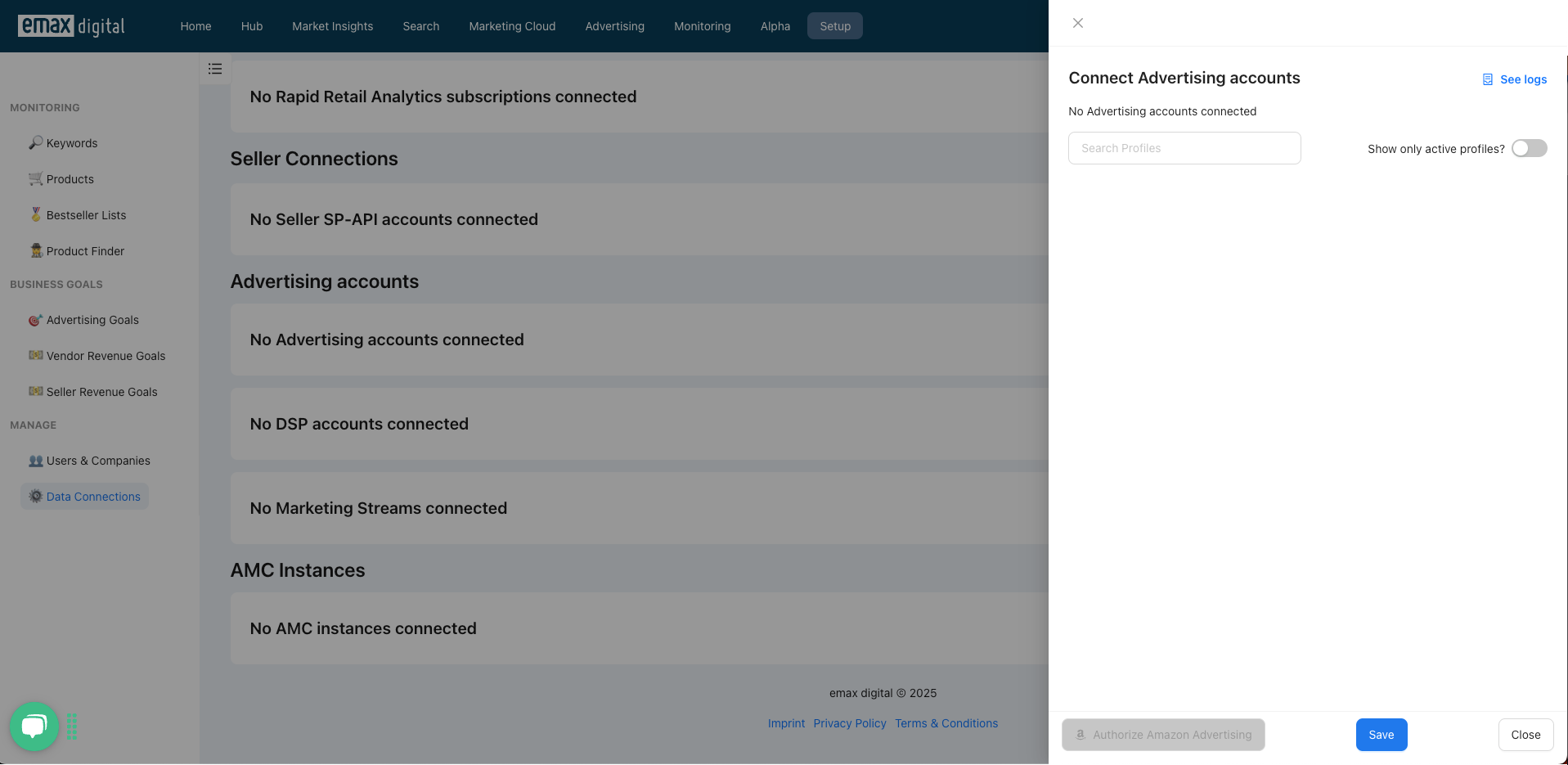
The "Authorize Amazon Ads" button is grayed out
To allow the emax digital app to access your Amazon Ads data, you need to authorize access using Login with Amazon. Clicking the "Authorize Amazon Ads" button redirects you to an Amazon URL to complete this process. If the button appears grayed out, it indicates that your company's network is blocking the required URL.
In this case, please contact your network administrator and request that the following URL be added to the whitelist:
https://assets.loginwithamazon.com/sdk/na/login1.js
Once this URL is unblocked, you'll be able to proceed with the authorization.
Grant the emax digital Customer Success team access for troubleshooting
To make sure our Customer Success team can access all your data and help resolve issues, please invite the relevant email address below as a user to all of your Amazon accounts and advertising profiles.
Seller Central
Invite cs.sc@tools.emax.digital as a user to all Seller Central and advertising profiles, and grant "Editor" permissions.
Vendor Central
Invite cs.vc@tools.emax.digital as a user to all Vendor Central and advertising profiles.
Note: this email address will be created by our team and sent to you by email.