Problem
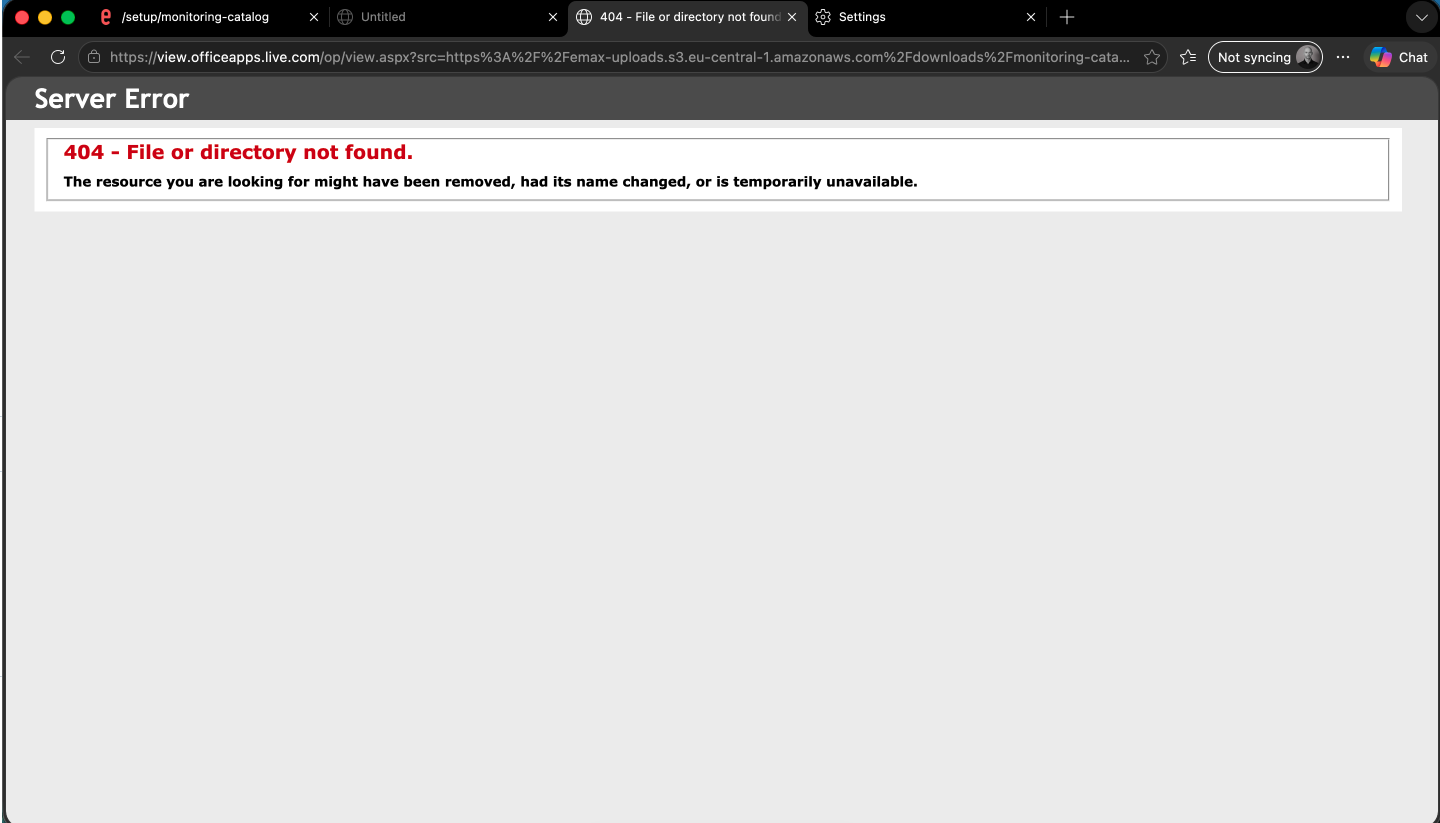
When trying to download an Excel export from the tool, the download doesn't start. Instead, a new browser tab opens and shows a 404 error.
Cause
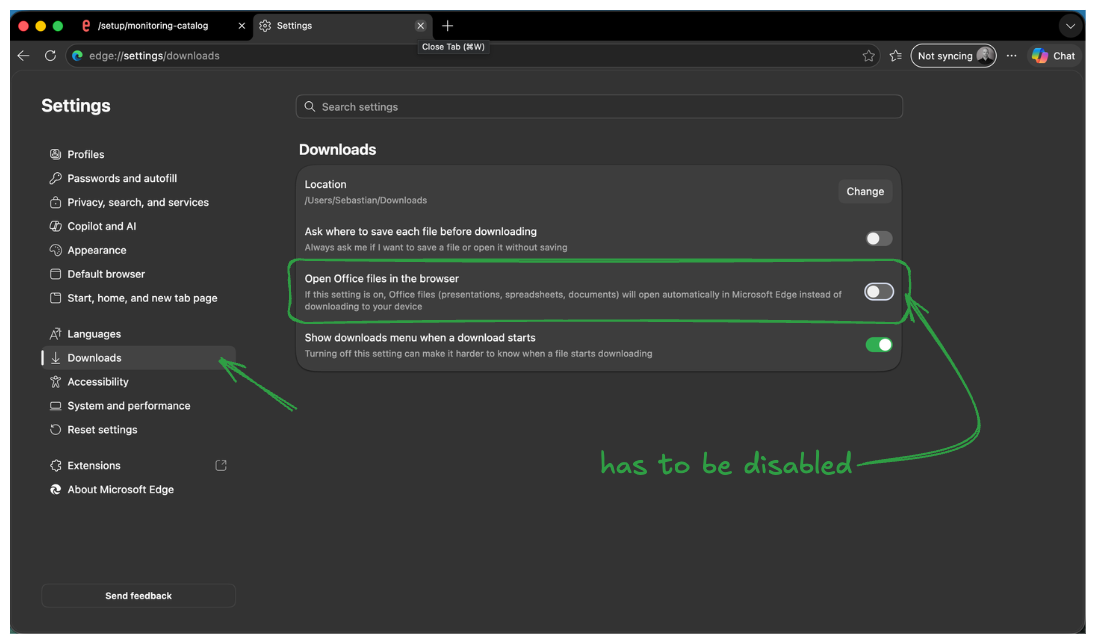
This happens because of a browser-side setting in Microsoft Edge: the "Open Office files in the browser" option is enabled. When this setting is on, Edge tries to open the Excel file directly in the browser instead of downloading it — which fails and shows a 404 error, since the file isn't served as a page.
Solution
-
Open Edge Settings
-
Go to Downloads
-
Find the option "Open Office files in the browser"
-
Disable it
The download will now start correctly.