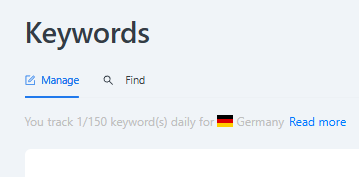
Track the development of your visibility share on a keyword level. The results appear in the Visibility Dashboard in the Hub, and you can see the results of the Amazon search based on your entered keywords in the Visibility Dashboard as part of Market Insights.
Please note: Results will be available in your reports within 24 hours of uploading.
How to Set Up Keyword Tracking
-
Navigate to Setup and select Keywords.
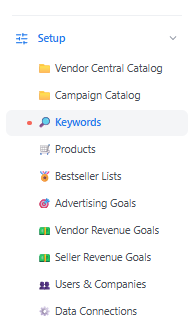
-
Select a marketplace from the filters on the right side.
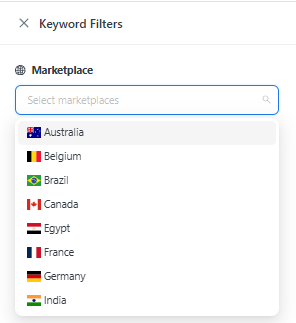
-
Download a template to add new keywords.
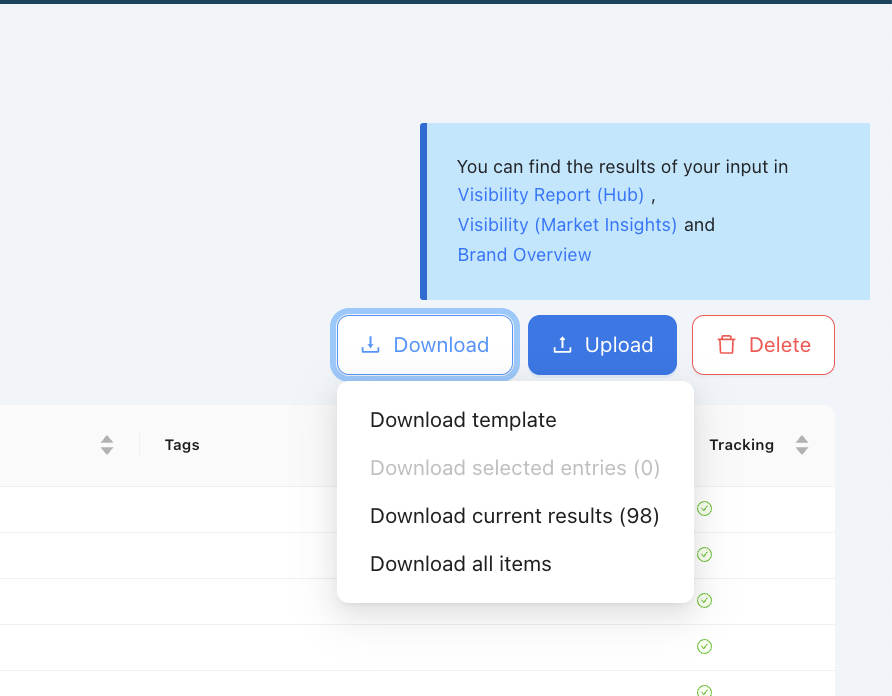
-
Edit the file by entering: Keyword, Keyword Segment, Marketplace, Tags (optional), and Activate tracking.

-
Upload the edited file.

Valid keyword-segment values. The keyword segment accepts only one of these three values: Generic, Branded, or Competitor. Any other entry will cause the upload to fail.
Start and Stop Tracking for Keywords
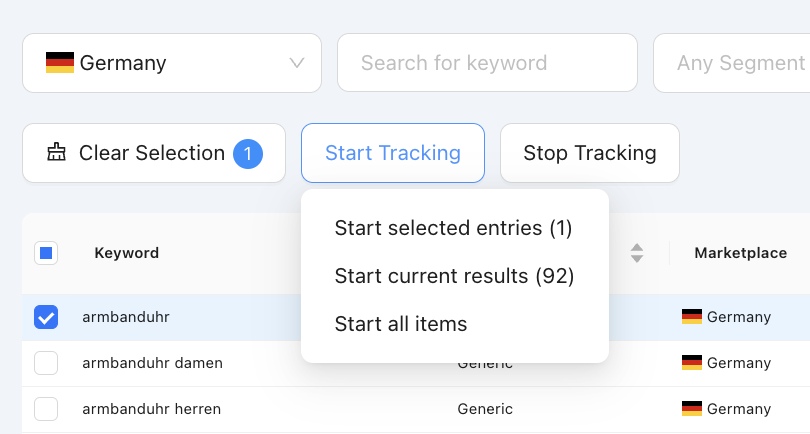
After uploading, you can start tracking the keywords in your group, and stop tracking them again at any time from the same keyword management area. Tracking must be active for results to appear in your reports.
Where Do I See the Results?
You can see the results of the Amazon search based on your entered keywords in the Visibility report as part of Market Insights, or in the Visibility dashboard in the Vendor or Seller Hub.
Where Do I See How Many Keywords I Track?
You can view your tracking limit and the number of keywords (as well as bestseller lists and products) you already track on this page.