
Learn hot to update your Advertising Budget in our emax digital Advertising Planner
Summary
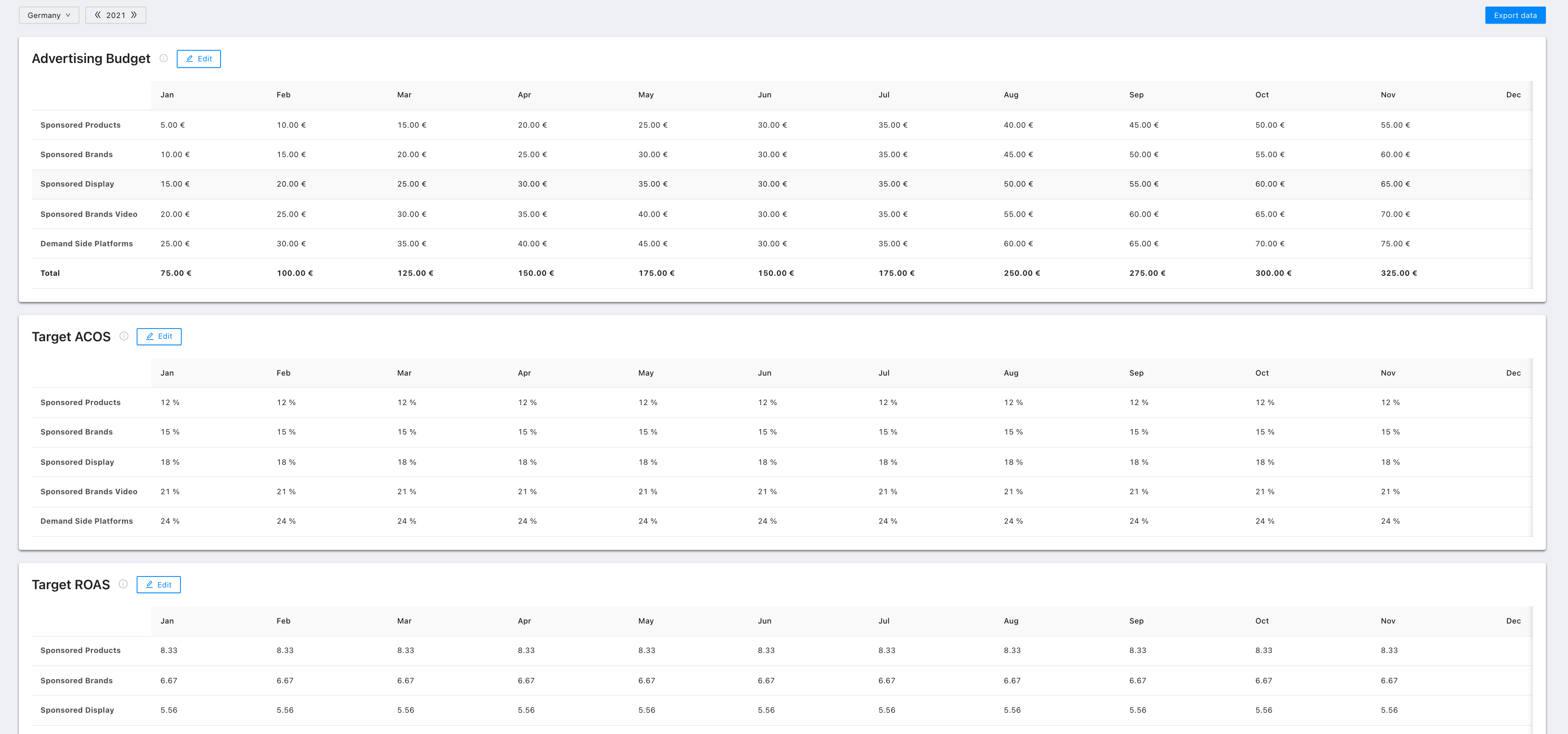
The Advertising Budget table supports you in planning your Advertising Spendings and Revenue Goals per Month/Year and Marketplace.
How to Use
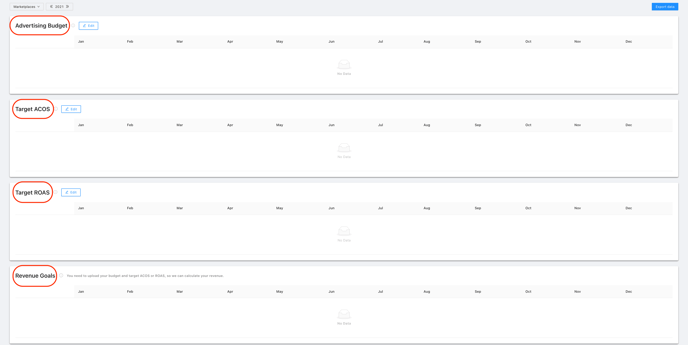
There are four tables:
-
Advertising Budget
-
Target ACoS
-
Target ROAS
-
Revenue Goals
Each of these tables is separated into:
-
Sponsored Products
-
Sponsored Brands
-
Sponsored Display
-
Sponsored Brands Video
-
DSP (Demand Side Platform)
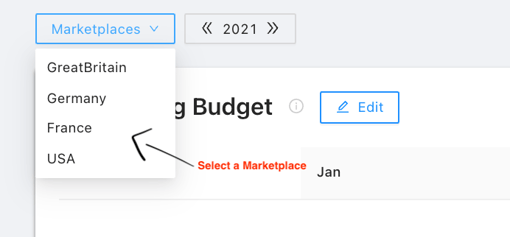
In order to set up your advertising budget planning, you have to select one of your marketplaces via the drop-down feature.
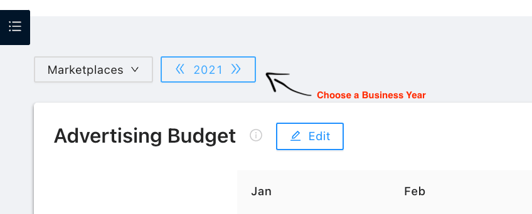
Choose a business year.
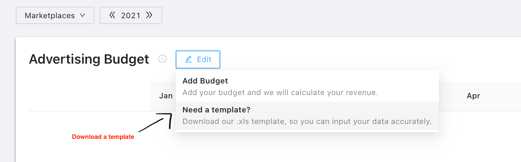
To fill in the Advertising Budget, Target ACoS, Target ROAS and Revenue Goals per Marketplace per Business Year, you have to download an Excel template.
In the Excel template, you have to select a Reporting Year, e. g. “2021”, and a Marketplace via the drop-down feature.
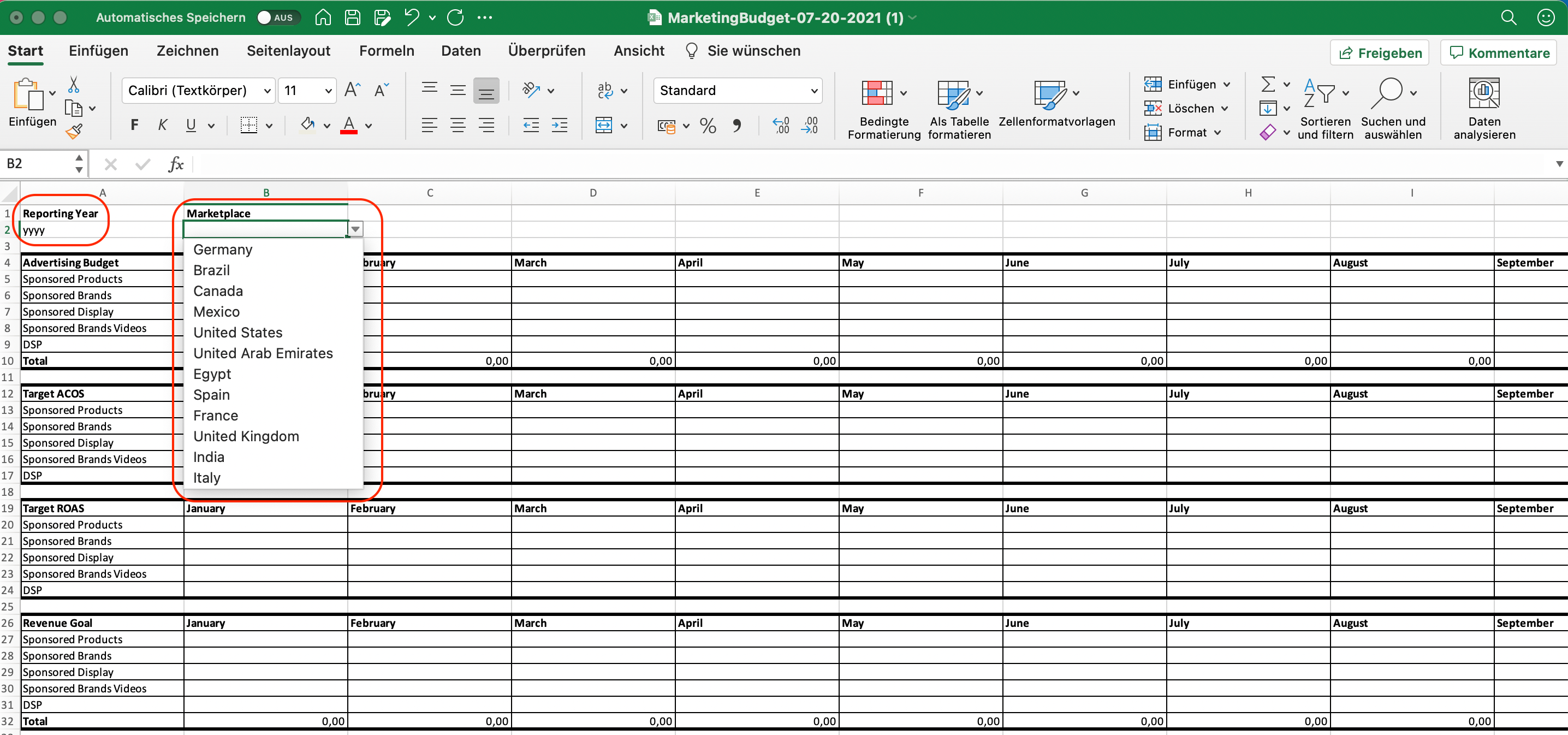
After doing so, you have to fill in the respective data for
-
Advertising Budget
-
Target ACoS
-
Target ROAS
-
Revenue Goal
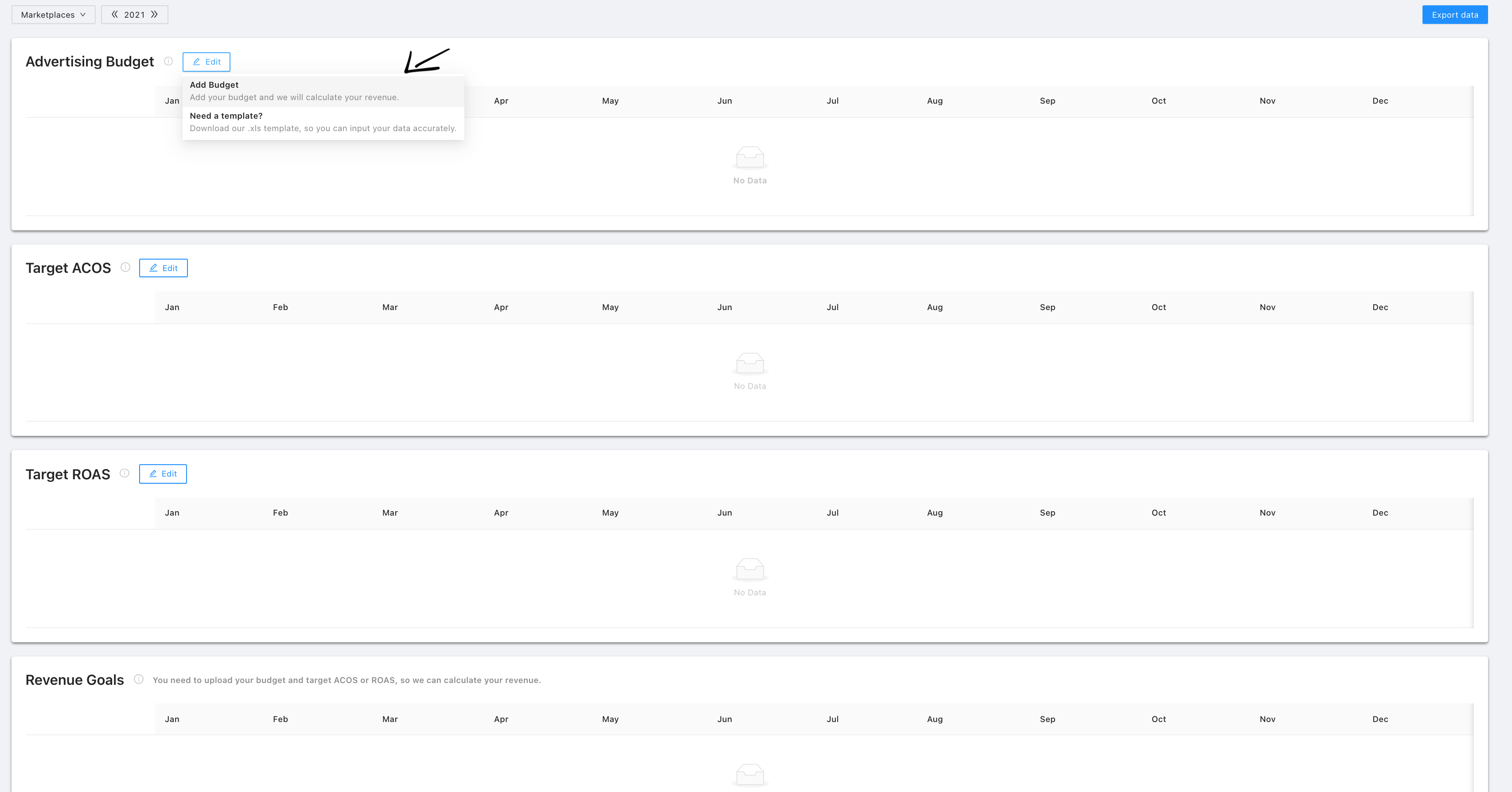
By clicking on “Add Budget”, you are able to upload the filled in Excel template.
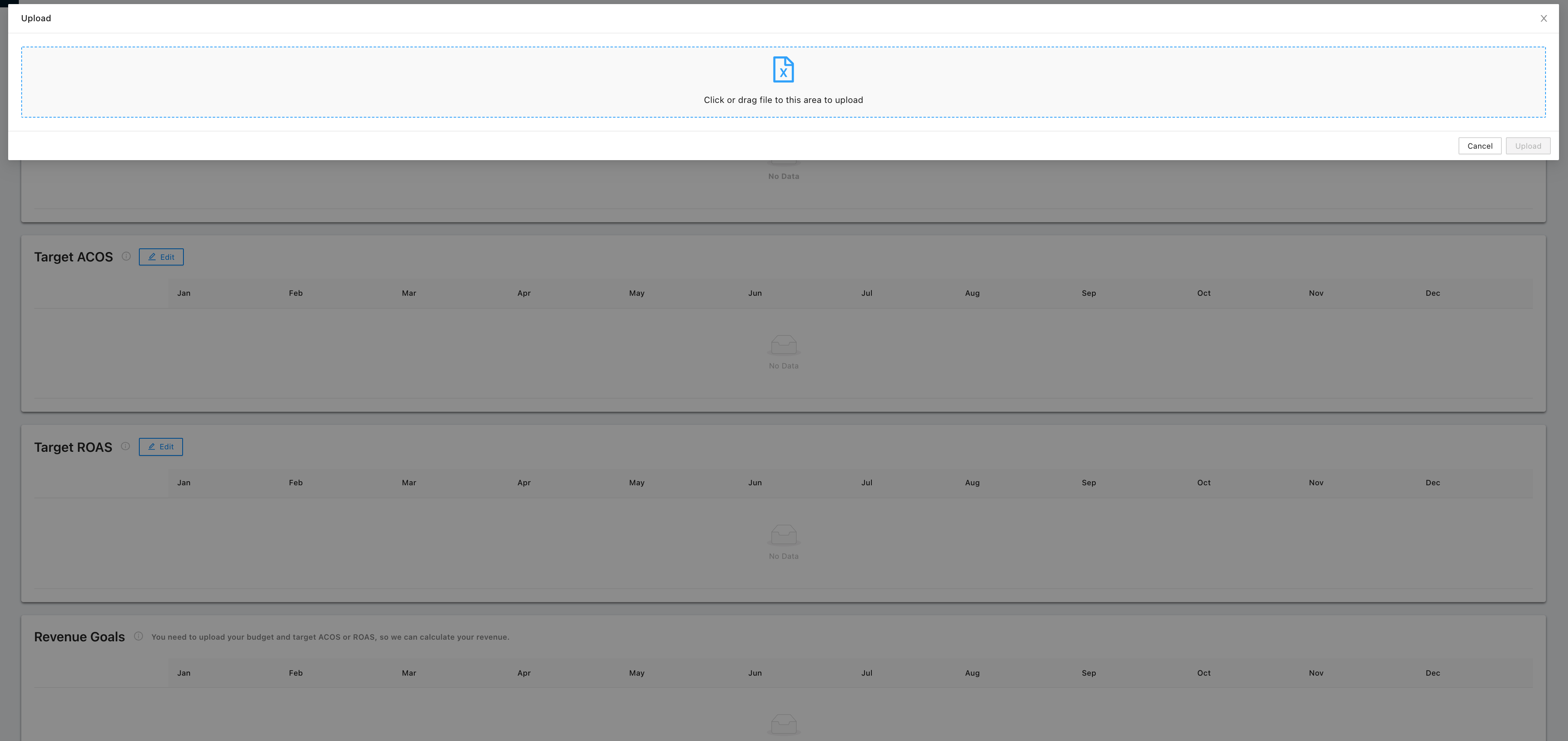
In order to do so, just drag and drop the file or click on the blue file icon to choose the respective file.
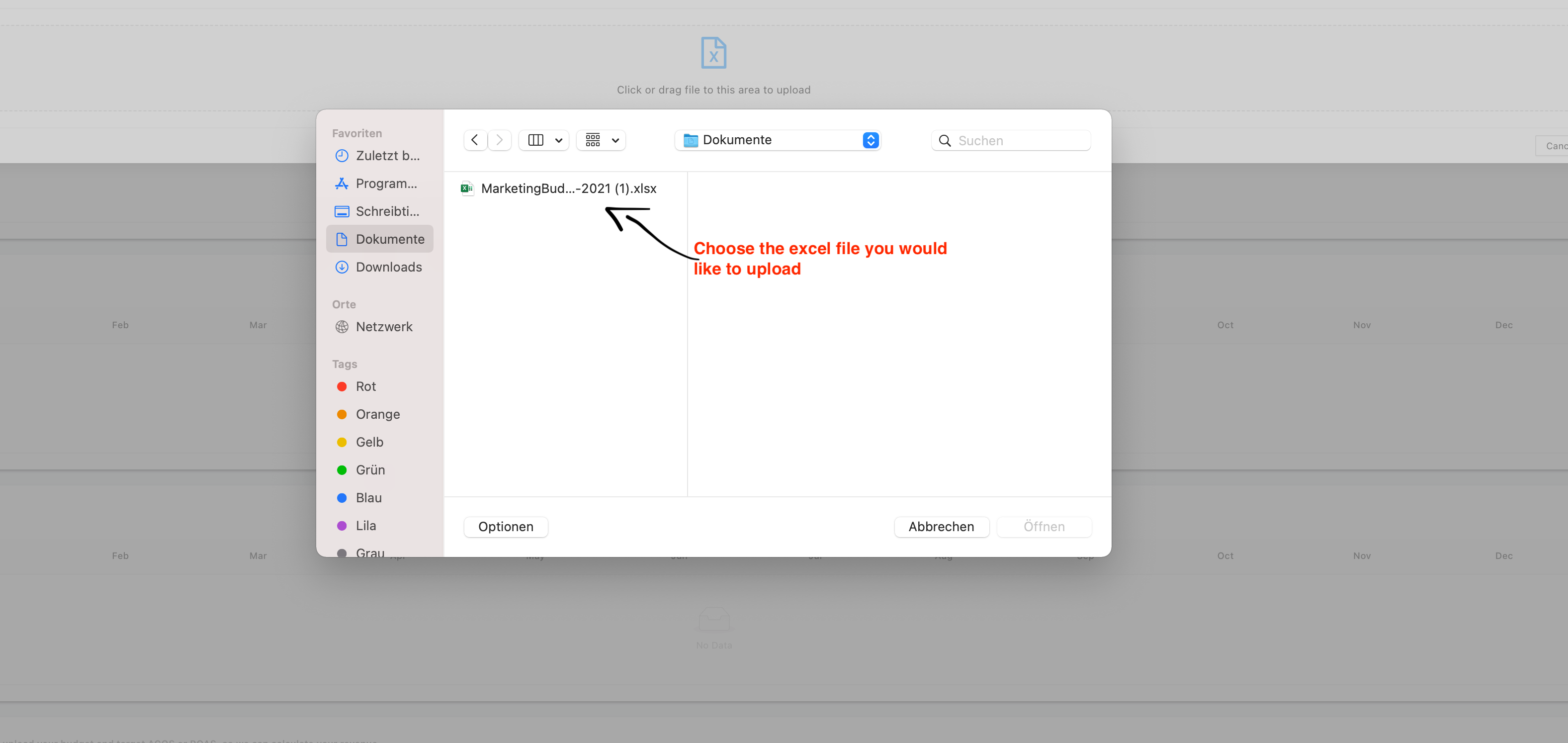
If you would like to add information for another Year or Marketplace, you have to upload another filled in Excel template (same format).
You cannot upload an Excel file for a Marketplace in which the company is not registered as an Amazon Vendor or Amazon Seller.
After uploading the respective Excel template, you can see the data for the chosen Marketplace and Business Year in the emax tool.
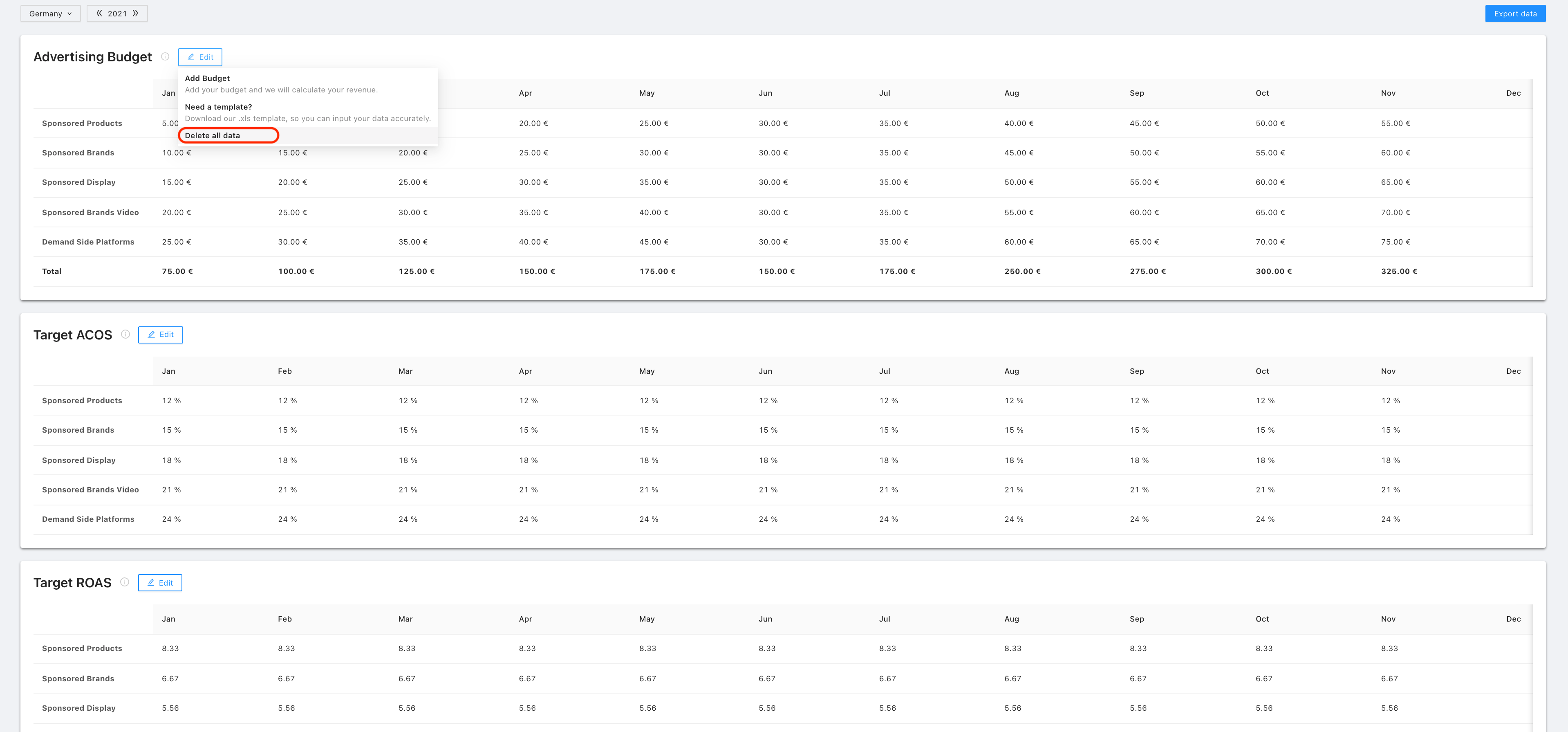
You are able to delete all filled in data per Marketplace per Business Year.
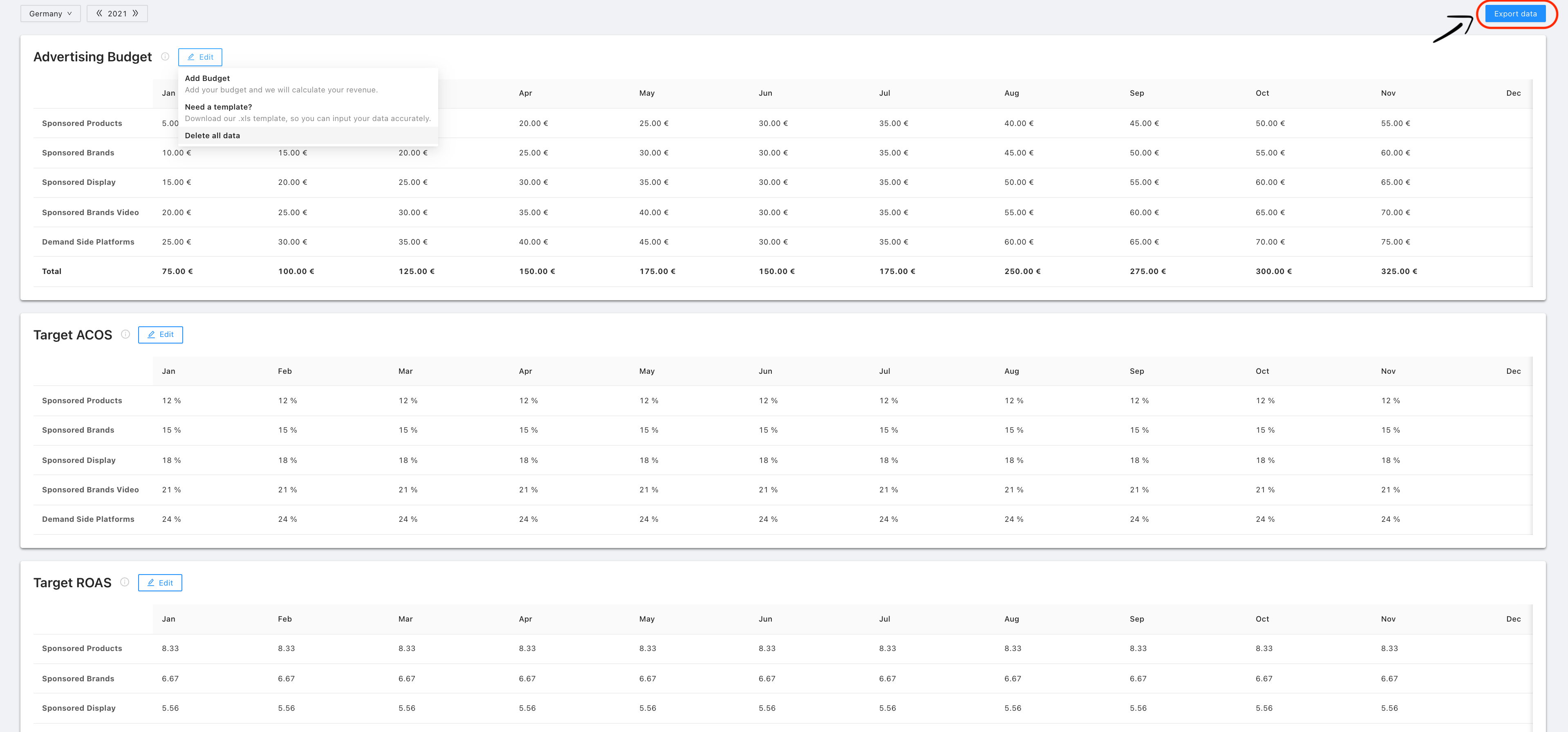
By clicking on “Export Data”, you can download an Excel-file with all the data filled in.
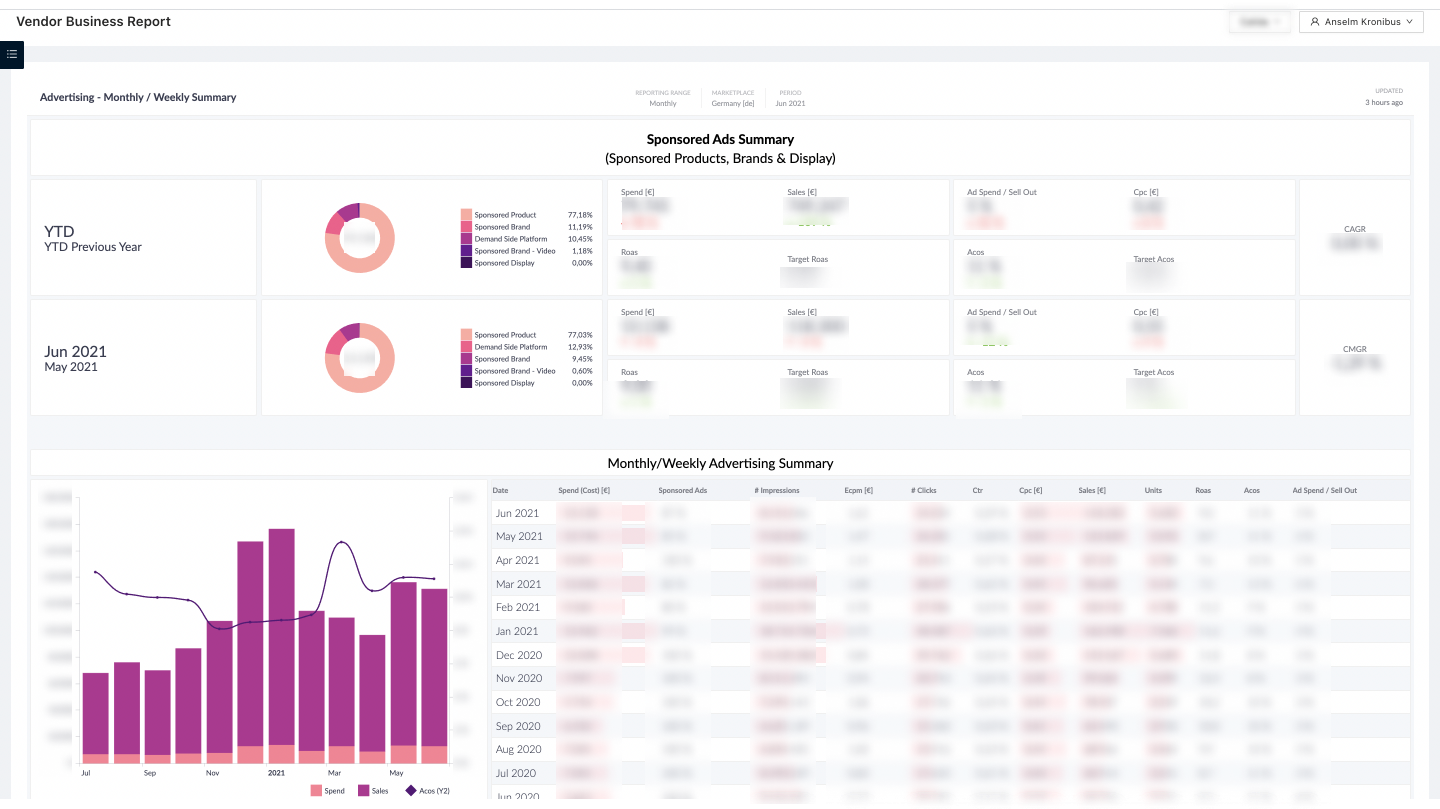
You can compare the entered Target ACoS and Target ROAS in the Advertising Module of the Vendor Business Report and Seller Business Report.
Main KPI’s Included
|
KPI |
Description |
How to calculate |
|---|---|---|
|
Advertising Budget |
The Advertising Budget**** is the amount of budget the company is willing to spend per Month/Year and Marketplace. |
No calculation needed |
|
Advertising Cost of Sales (ACoS) |
The Advertising Cost of Sales (ACoS) is a marketing metric used to measure the performance of an advertising campaign. The ACoS indicates the ratio of Ad Spend to Targeted Sales. |
ACoS = Budget / Revenue * 100 |
|
Return on Advertising Spend |
|
|
|
(ROAS) |
The Return on Advertising Spend (ROAS) is a marketing metric that measures the revenue generated per every € spent in an advertising campaign. |
ROAS = Revenue / Budget |
|
Revenue Goal |
The Revenue Goal is the amount of revenue the company would like to achieve based on the planned advertising spendings and predefined target ACoS/ROAS. |
Revenue Goal = ROAS * Budget OR Revenue Goal = Budget / ACOS |
🏷️ Tags: sponsored-ads · budget · reference