
Migration note (Phase 1b): Content reproduced from the legacy Getting Started page "How and where to reach emax support for questions, problems and bugs?" (1667170384) — contact-channel portion. The bug-report how-to from the same legacy page now lives on How to Report a Bug. Grammar and structure tidied; not yet optimised or fact-checked. Screenshots carried over from the legacy HubSpot source are on the internal image-check list for manual verification.
There are several ways to reach the emax digital support team for questions, problems, and bugs. Choose whichever is most convenient.
Email
You can always reach us by email at support@emax-digital.com.
Live chat
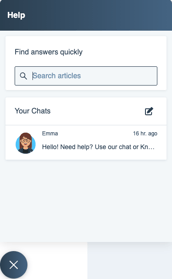
The quickest way to reach support is through the live chat, located at the bottom left of the emax digital tool. If you encounter an issue, you have a direct line to our support team — feel free to drop us a line anytime.
Customer portal
You can also open a ticket through our customer portal. Manage your tickets in a dedicated board and stay informed about each ticket's status and updates automatically.
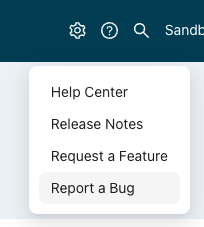
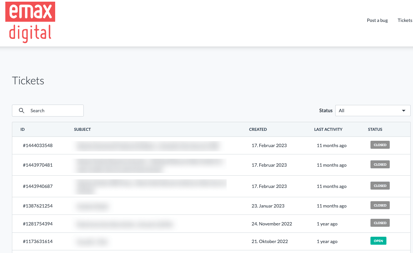
Our customer portal is integrated with HubSpot. To use it, set up your account and you'll be ready to explore all of its features.
Reporting a bug specifically? See How to Report a Bug for what information to include so we can resolve it quickly.