Before you can start reporting a bug, you have to register for the customer support portal.
Don't worry, it's a very simple registration process:
-
Check your inbox, you have received an email βοΈ
-
Open the email and click on "Register to view content"

β οΈ External image β needs to be re-uploaded to Confluence
![]()
Source: https://knowledge.emax-digital.com/hs-fs/hubfs/Screenshot%202022-07-01%20at%2008-34-38-png.png
-
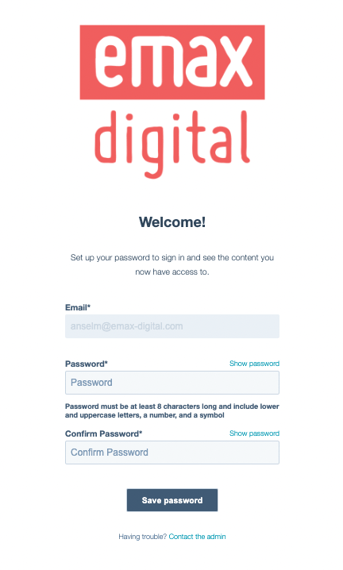
Set up your favorite password, confirm it and click on "save password" π
β οΈ External image β needs to be re-uploaded to Confluence
![]()
Source: https://knowledge.emax-digital.com/hs-fs/hubfs/Screenshot%202022-07-01%20at%2008-37-48-png-1.png
-
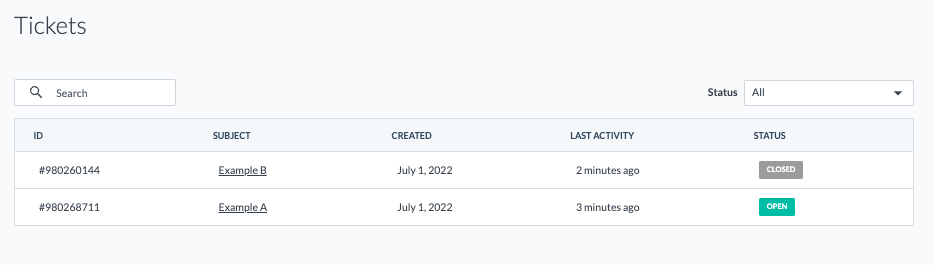
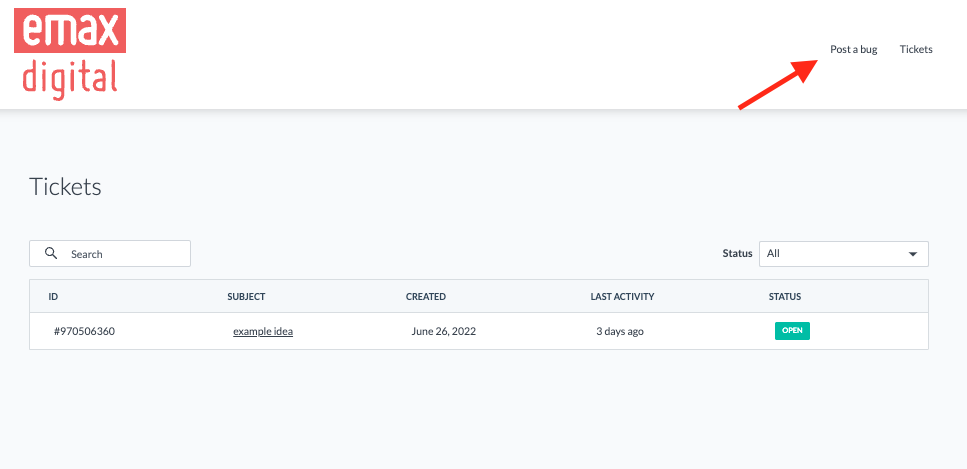
Sign in and report a bug or get an overview of your reported bugs and check the status
β οΈ External image β needs to be re-uploaded to Confluence
![]()
Source: https://knowledge.emax-digital.com/hubfs/Screenshot%202022-07-01%20at%2008-58-16-png.png
β οΈ External image β needs to be re-uploaded to Confluence
![]()
Source: https://knowledge.emax-digital.com/hubfs/Screenshot%202022-07-01%20at%2010-44-32-png.png
If the registration process failed, feel free to contact our support team. support@emax-digital.com
π·οΈ Tags: getting-started Β· how-to Β· support