
In this article, we will provide a comprehensive overview of navigating through our tool and initiating it as a seller or vendor.
1. Navigation
2. Filter Settings & Reports
3. Live Chat
4. Help Center
Navigation:
Main Analytics Hub Navigation:
⚠️ External image — needs to be re-uploaded to Confluence

Source: https://knowledge.emax-digital.com/hs-fs/hubfs/Bildschirmfoto%202024-04-23%20um%2017-21-04-png.png

Left Navigation:
⚠️ External image — needs to be re-uploaded to Confluence
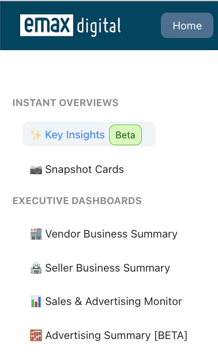
Source: https://knowledge.emax-digital.com/hs-fs/hubfs/Bildschirmfoto%202024-12-24%20um%2010-52-11-png.png

Setting Navigation:
⚠️ External image — needs to be re-uploaded to Confluence

Source: https://knowledge.emax-digital.com/hs-fs/hubfs/Bildschirmfoto%202024-04-23%20um%2017-21-35-png.png

Filter Settings & Reports
Personalization:
Download Options:
Live Chat:
Customer Support:
Help Center Search:
⚠️ External image — needs to be re-uploaded to Confluence
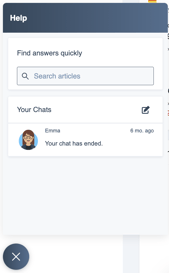
Source: https://knowledge.emax-digital.com/hs-fs/hubfs/Bildschirmfoto%202024-04-23%20um%2017-20-20-png.png

Help Center:
Resource Hub:
Available Resources:
⚠️ External image — needs to be re-uploaded to Confluence
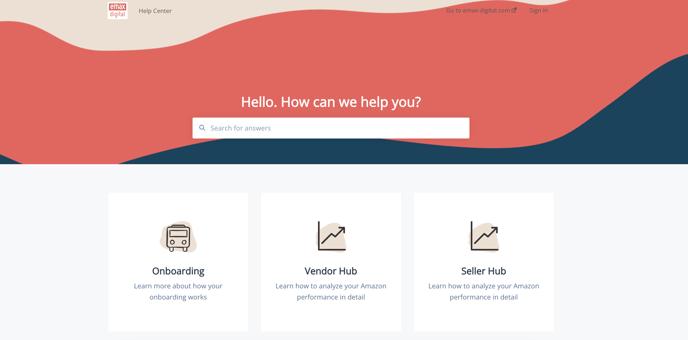
Source: https://knowledge.emax-digital.com/hs-fs/hubfs/Bildschirmfoto%202024-04-23%20um%2017-24-16-png.png

🏷️ Tags: getting-started · how-to